
Choose a robot.
Meet Deskhead and follow the designs as they develop. Pick a starting point for your own build.
Explore robotsMake something your AI can call home. Explore printable robots, find a part for your next project or start with the MeBrain app on your desktop.
Our designs are still developing. Start small, try a connection and build from there.
Your next build starts with one pieceDifferent builds. A common way to fit the pieces together.
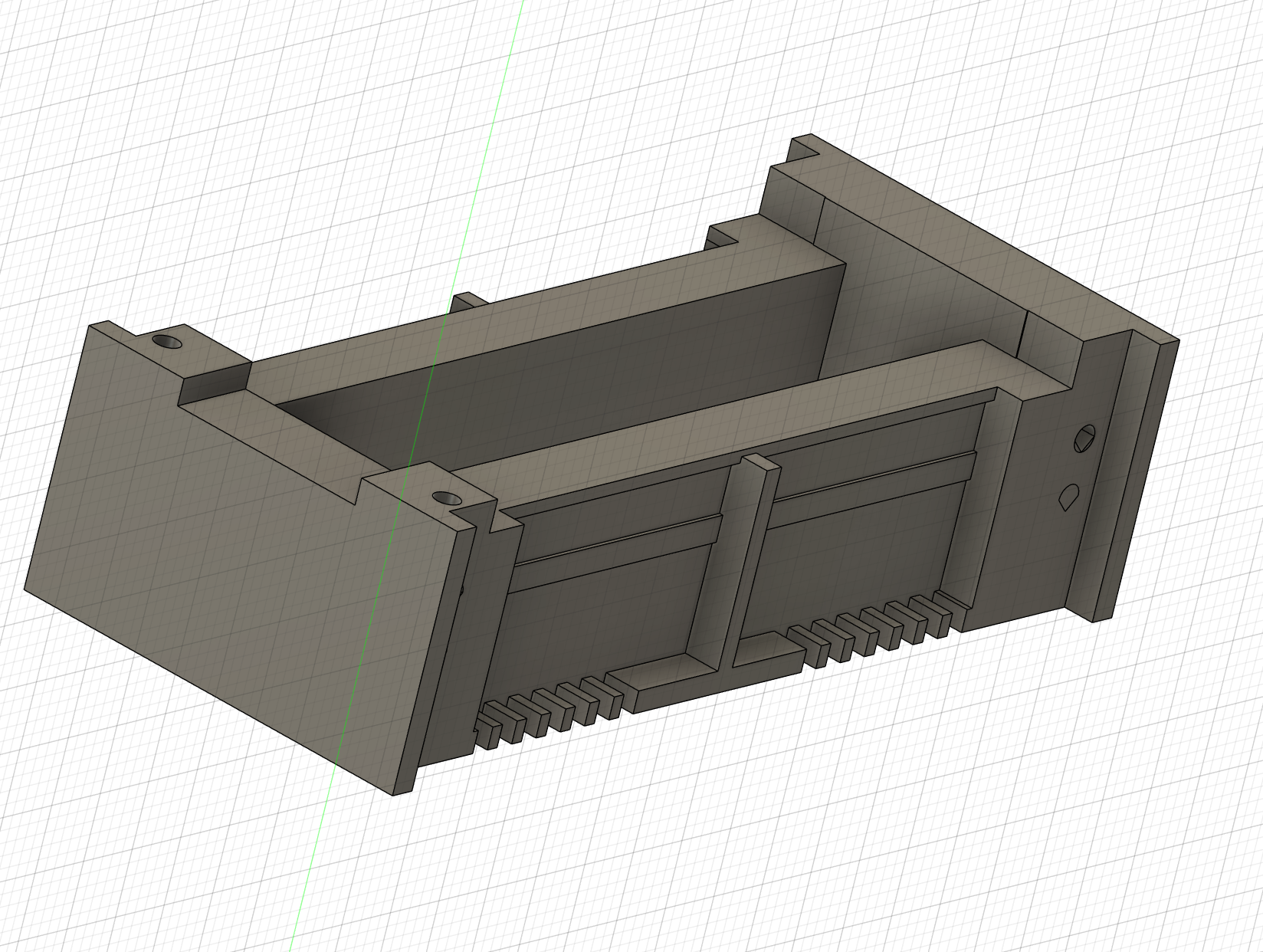
If you have a 3D printer, you can start making the pieces. Follow an existing design or use our parts and draft standards as the starting point for something of your own.
Meet Deskhead and follow the designs as they develop. Pick a starting point for your own build.
Explore robotsDownload an STL, inspect it in 3D and prepare it in your slicer. Start with the camera holder, battery box or servo holder.
Find printable partsUse the shared 5 mm grid to align connections. Read the dimensions, fit and printing guidance before assembling your parts.
Read the quickstartMeBrain is our Windows todo list and notepad with an AI assistant. Organise tasks, reminders and notes in plain words. Your files stay on your computer.
Explore the app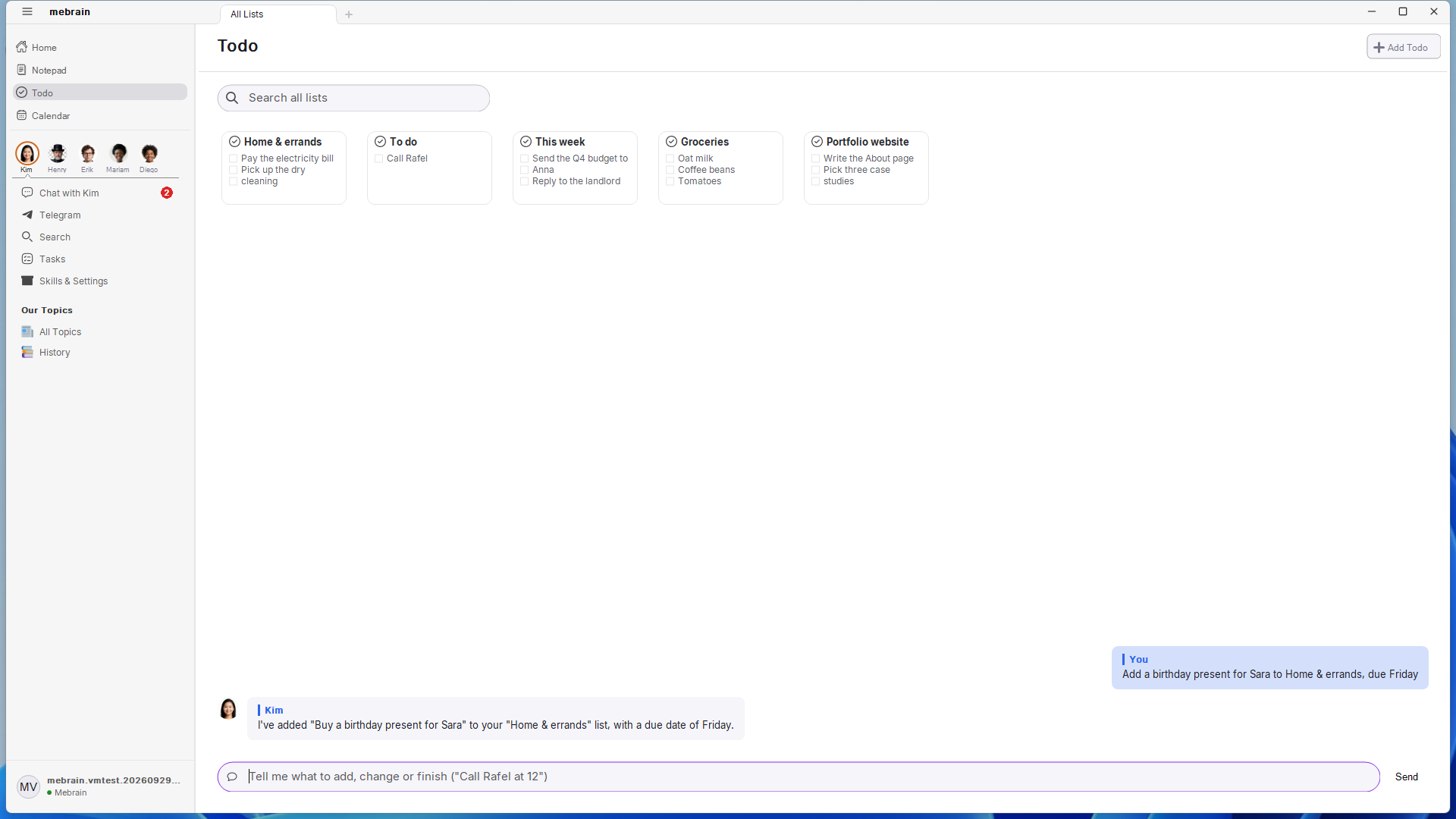
Explore the robot source files, adapt the designs and build on what is already there.